
JeetBuzz Login – Quick & Secure Access to Your Account in Bangladesh
Logging into JeetBuzz takes about ten seconds — and once you’re in, everything is right there. Your cricket bets, casino balance, deposit history, active bonuses. The login process is the same whether you’re on the website or the mobile app, and it works the same way for everyone from Dhaka to Chittagong.
Your account is protected by SSL encryption, which means your username, password, and payment data travel securely every time you sign in. If you ever run into trouble getting in — forgotten password, locked account, whatever — live chat support is available 24/7 in both English and বাংলা.
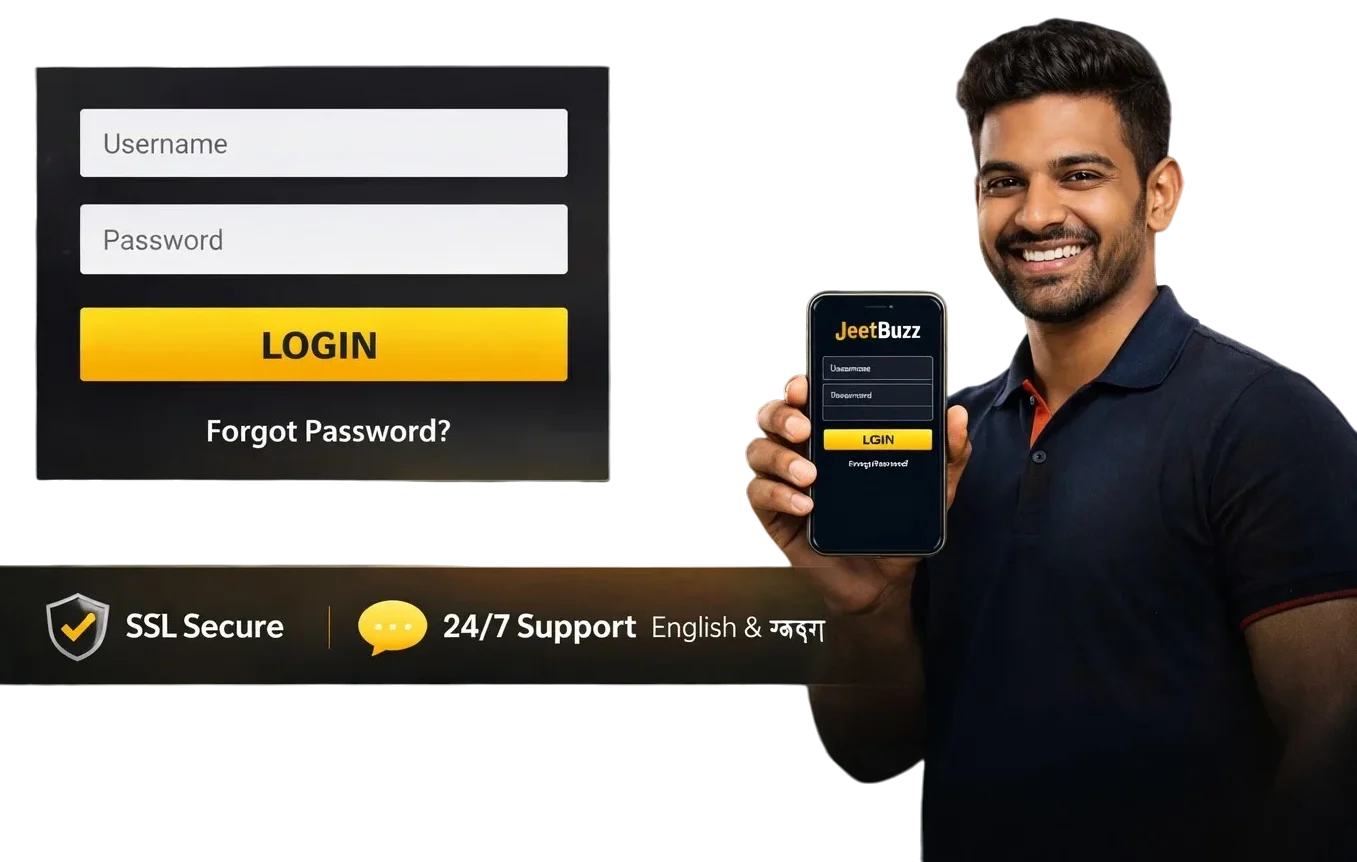
JeetBuzz Login – Quick Overview
One login, full access. Here’s what you’re working with:
| Parameter | Information |
| Login method | Username + password |
| Platforms | Website, Android app, iOS app |
| Password recovery | Via registered email or phone number |
| Account verification | KYC required for withdrawals |
| Support | Live chat, Email, WhatsApp – 24/7 |
| Languages | English, বাংলা |
How to Login to JeetBuzz Bangladesh
Nothing complicated here. Whether you’re on the site or in the app, it’s the same four steps:
- Open the official JeetBuzz website or launch the app.
- Tap or click Login at the top of the page.
- Enter your username and password.
- Hit Confirm — you’re in.
If you haven’t registered yet, you’ll need to create an account first. The whole registration process takes about three minutes.
JeetBuzz Login via Mobile App
The app login is actually faster than the website version — no page reloads, no waiting. If you’re doing live betting on a T20 match, that difference matters.
Login on Android
If you’re on Android, the app login is straightforward. Open the JeetBuzz app on your phone and follow these steps:
- Open the JeetBuzz app on your Android phone.
- Tap Login.
- Enter your username and password.
- Tap Confirm to access your account.
Login on iOS
The process on iPhone and iPad is identical — same steps, same speed:
- Open the JeetBuzz app on your iPhone or iPad.
- Tap Login.
- Enter your username and password.
- Tap Confirm — done.
Forgot Your Password?
It happens. The fix is quick:
- On the login screen, tap Forgot Password.
- Enter the email address or phone number you used when registering.
- You’ll receive a reset link — follow it to set a new password.
- Log in with your new credentials.
If you no longer have access to that email or phone number, don’t panic — open the live chat and explain the situation. The support team can verify your identity through other means and get you back in. They’ve seen this before.
Login Problems – Common Fixes
Most login issues sort themselves out in a couple of minutes. Here’s what usually causes them and how to fix it:
- Wrong username or password — check your caps lock and keyboard layout. Bengali input mode has caught people out before. If you’re still stuck, use the password reset option.
- Too many failed login attempts — JeetBuzz temporarily locks the login after several wrong tries. Wait 5–10 minutes before trying again, then use the reset option if needed.
- Account blocked — this sometimes happens after unusual activity. Hit up live chat; it’s usually resolved quickly.
- Website won’t open — try a different browser, clear your cache, or switch to the mobile app. If the site itself is down, the app often still works.
- App won’t let you in — check your internet connection first. If the connection is fine, try closing and reopening the app.
- Can’t remember your username — contact support with the email or phone number from your registration. They can look it up.
- Login page won’t load — clear browser cache or switch to incognito mode. If that doesn’t help, the app is usually the faster fix.
Keeping Your JeetBuzz Account Secure
A few things worth doing to keep your account safe:
- Use a password that’s at least 8 characters — mix letters and numbers, don’t use your phone number or birthday.
- Avoid logging in from public Wi-Fi or someone else’s device if you can help it.
- JeetBuzz support will never ask for your password. If anyone does, it’s not them.
- If you notice anything unusual — a bet you didn’t place, a login from a location you don’t recognise — change your password immediately and contact support.
What to Do After You’ve Logged In
Once you’re in, here’s where most people head first:
- Make a deposit — bKash, Nagad, or Rocket, starting from 500 BDT. Takes about two minutes.
- Claim your bonus — if you’re new, the 50% Sports Refund or 25% Casino Cashback are worth activating before your first deposit.
- Place a bet on cricket — BPL, IPL, or whatever’s live right now. The cricket section is front and centre.
- Explore the casino — slots, live tables, Crazy Time, crash games. All accessible from the main menu.
- Complete KYC verification — you can play without it, but you won’t be able to withdraw until it’s done. Better to get it out of the way early.